




 CarTFT.com
PTV FleetNavigator 10.5 (Europe incl. East-Europe, Speech, TMC) [PDA/PC]
PRODUCT IS CURRENTLY NOT AVAILABLE !![PTV FleetNavigator 10.5 (Europe incl. East-Europe, Speech, TMC) [PDA/PC]](http://www.wcom-gps.com/image_db/Fleet_Nav_6_5_EU_EN.jpg)
- TMC support !
- 2D/3D view !
- Speech !
- Map&Guide Fleet Navigator !
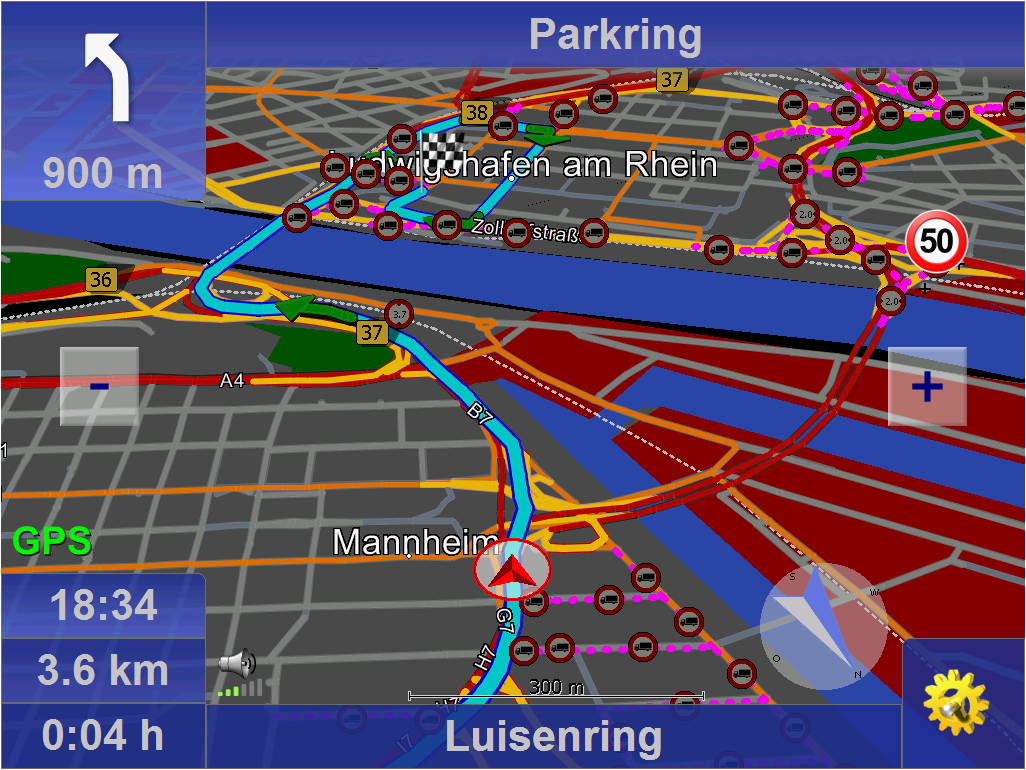
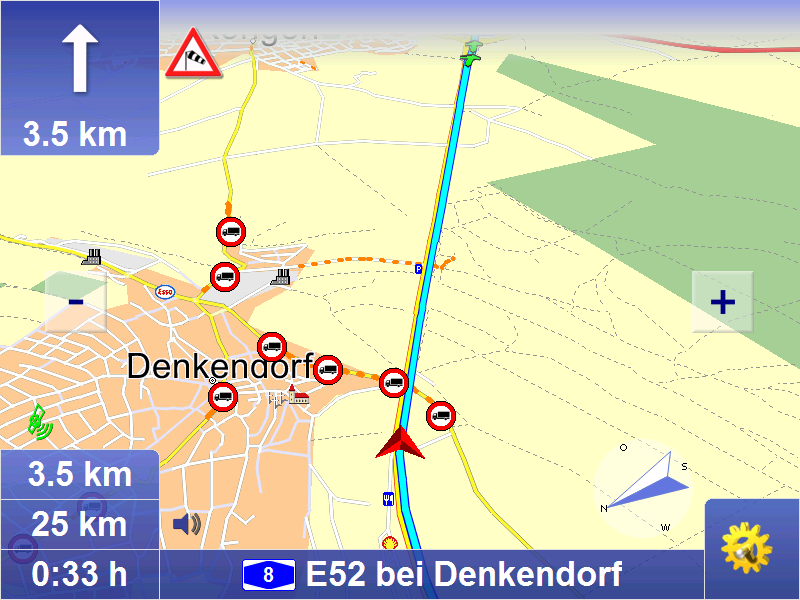
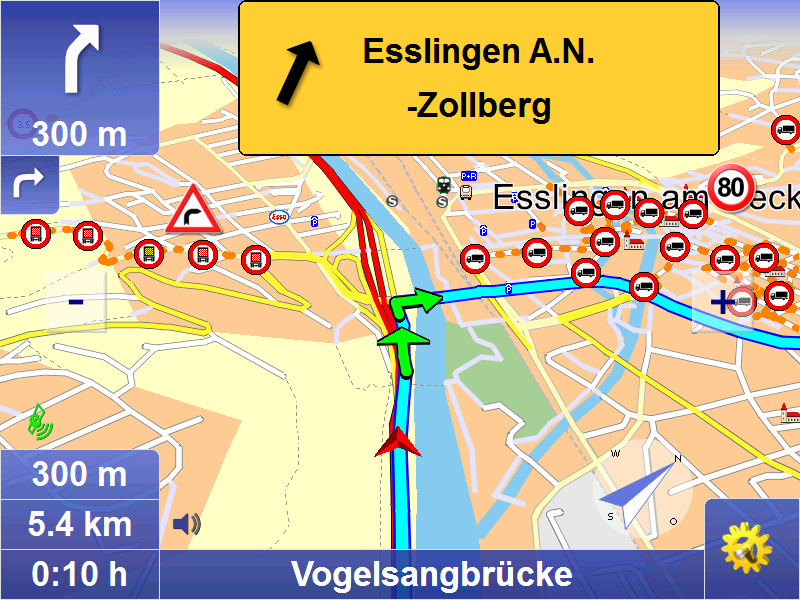
Professional navigation on notebook, Car-PC or PDA with door-to-door routing and Touchscreen optimized interface. Audio navigation prompts are combined with a clear map display on the PC.
New in Version 10.5 (26.10.2018):
- Map data 2018.2N
New in Version 10.0 (21.11.2017):
- Bugfixes
- Map data 2017.2N
New in Version 9.0 (16.11.2015):
- Bugfixes
- Map data 2015.2N
New in Version 8.5 (16.10.2014):
- GLONASS-GPS-support
- Economic avoidance of toll for Germany and Austria
- Map data 2014.2N
New in Version 8.0 (25.11.2013):
- route planning with approxima
[more]

Professional navigation on notebook, Car-PC or PDA with door-to-door routing and Touchscreen optimized interface. Audio navigation prompts are combined with a clear map display on the PC.
New in Version 10.5 (26.10.2018):
- Map data 2018.2N
New in Version 10.0 (21.11.2017):
- Bugfixes
- Map data 2017.2N
New in Version 9.0 (16.11.2015):
- Bugfixes
- Map data 2015.2N
New in Version 8.5 (16.10.2014):
- GLONASS-GPS-support
- Economic avoidance of toll for Germany and Austria
- Map data 2014.2N
New in Version 8.0 (25.11.2013):
- route planning with approximate stop-off points improved (fuzzy via)
- Map data 2013.2N
New in Version 7.5 (30.10.2012):
- due to the intelligent self- learning mode (ETA), time is calcula-ted on the basis of individual driving behaviour, resulting in a more accu-rate calculation of the time of arrival.
- route planning with approxi-mate stop-off points (fuzzy via)
- announcement of navigation instructions in off-road mode
- announcement of texts with Text2Speech
- display of other vehicles (bud-dies) with geofencing alerts
- only a few tags are sufficient to influence the routes.
- Map data 2012.2N
New in Version 7.0 (21.11.2011):
- Improved graphical design
- Option to "Avoid toll roads" [only PC/PDA]
- Self-learning vehicle profile [only PC/PDA]
- Faster address-search
- Map data 2011.2N
Basic functions
Mobile navigation is a popular alternative to an expensive installation. map&guide fleet navigator provides:
• Door-to-door cross-border navigation
• Intuitive, easy operation
• Precise visual cues and spoken instructions
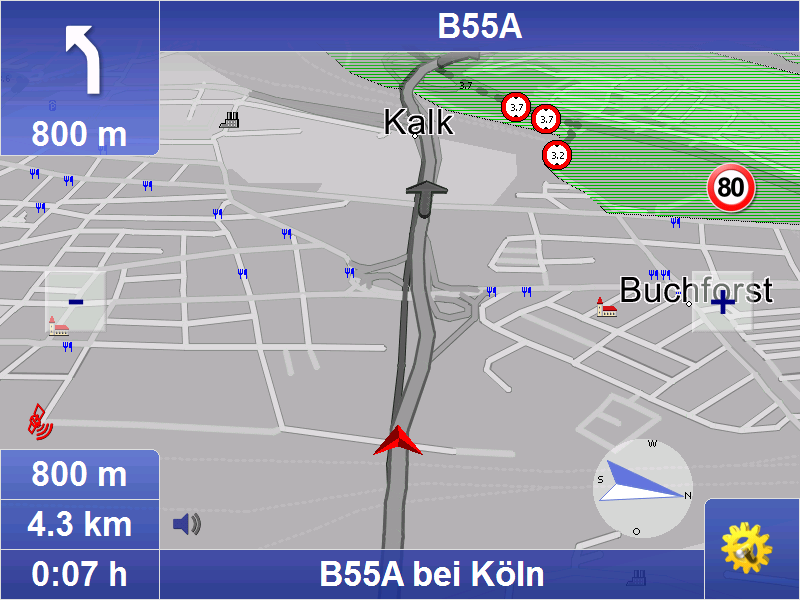
• 2D and 3D navigation using map&guide clear, intuitive maps
• Proven, professional map&guide routing and navigation
• Extrapolated positioning in tunnels
• Dynamic navigation: The latest TMC information is received on a TMC receiver free of charge and used to update the route while on the road.
• map&guide fleet navigator supports the following languages: German, English, French, Dutch, Italian, Spanish, Portuguese, Danish, Norwegian, Swedish, Polish, Czech, Slovak, Slovenian, Hungarian, Romanian, Turkish, Russian, Bulgarian
• Auto-Smartzoom for optimum map information when approaching a manoeuvre
• Automatically switches between day and night view
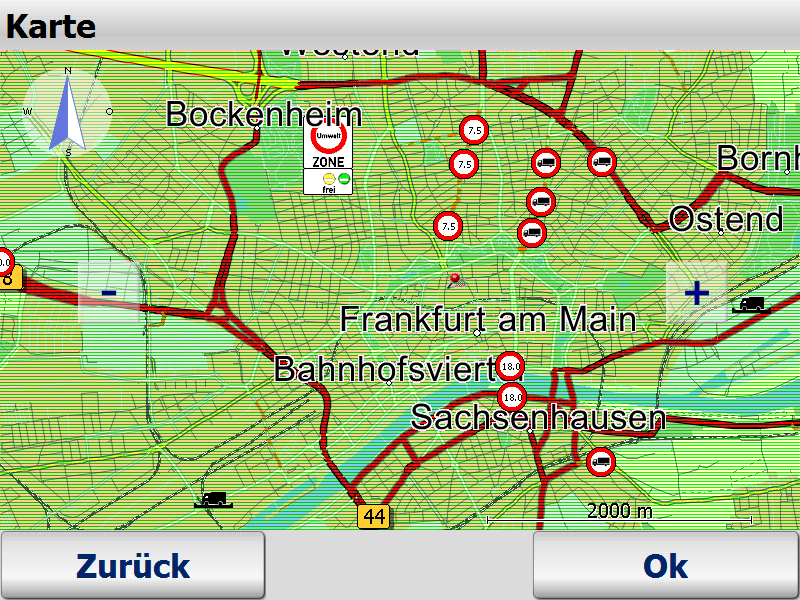
• Speed warning limits also for trucks in many countries
• Text2Speech
• Coordinates input
• Global search for POIs
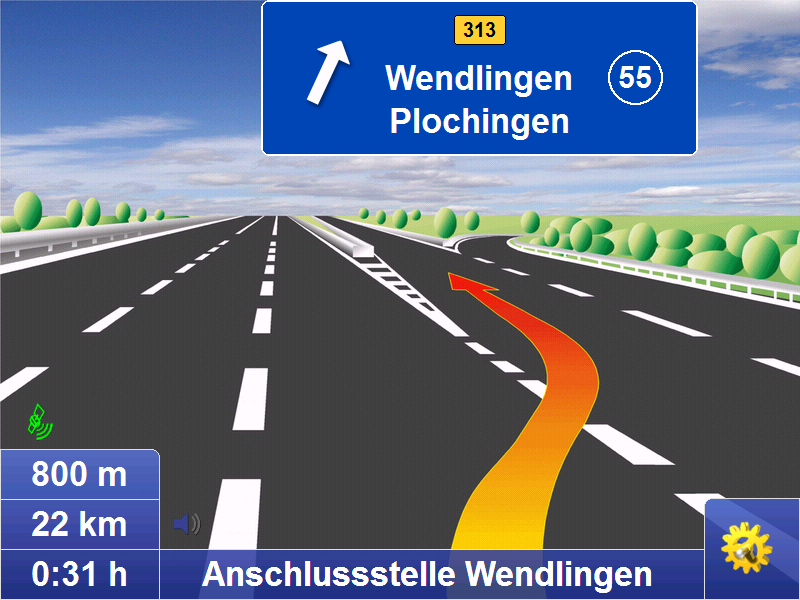
• Realistic motorway signs and junction views
Connected navigation
With map&guide fleet navigator it is possible to control the
navigation of your service employees' cars from your control center: Order files (RC-Interface) and interfaces in C and C# (RI-Interface) enable communication between map&guide fleet navigator and a secondary software which establishes communication with the control center. These functions are used to:
• send stop-off points as address from the control centre to the navigation
• request GPS positions from the navigation and make them available to third-party applications
• start and end mobile navigation
• transfer and display messages to the navigation
• Guided navigation: Transfer of entire route navigation
• Show other vehicles (buddies) via interface
One fleet - various vehicle profiles
Create different vehicle profiles for the various vehicles in
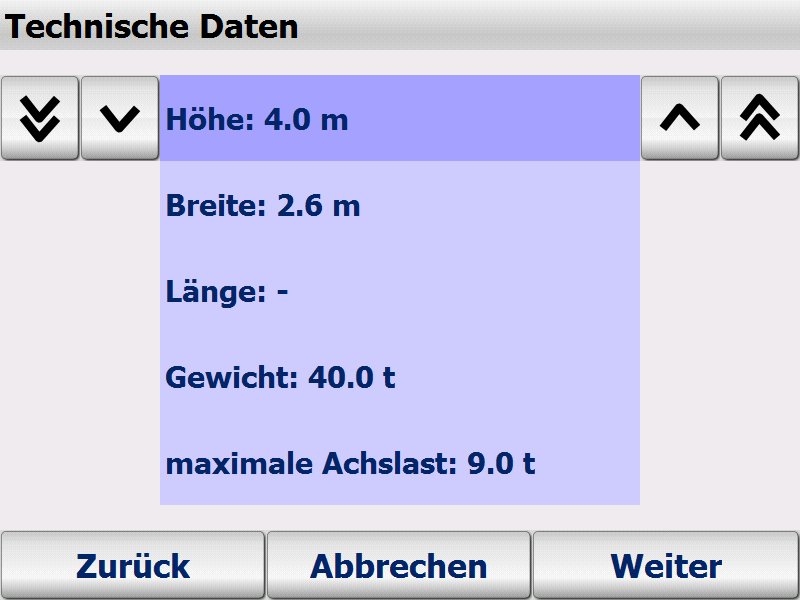
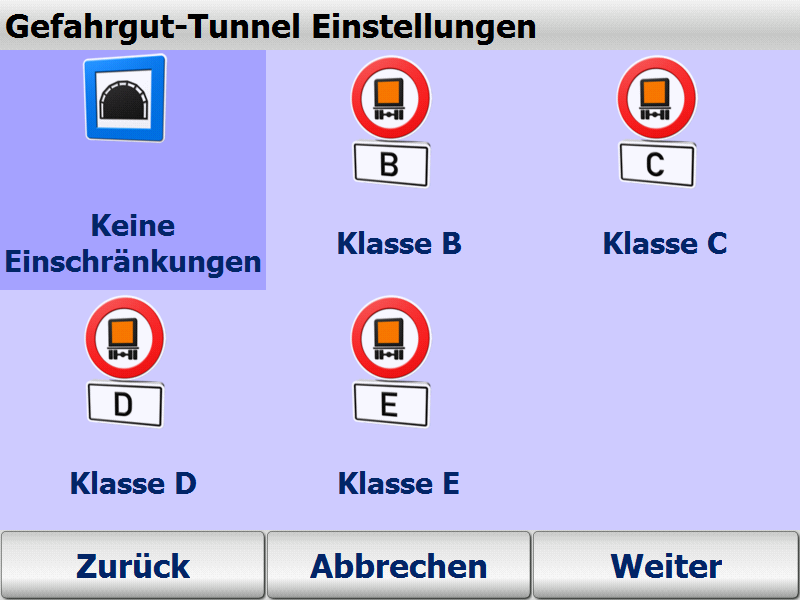
your fleet – this ensures that navigation is tailored to the vehicle. When creating vehicle profiles for cars and trucks with map&guide fleet navigator the following criteria can be taken into account:
• Speed profile
• Avoiding motorways or ferries
• For cars: Optimisation of route in terms of economy or time
• For trucks: Avoiding smaller streets (bypasses), turning, residential areas
Supported operating systems
• Microsoft Windows Mobile 2003 for Pocket PC (incl Second Edition)
• Microsoft Windows Mobile 5,6 (inkl. Phone-Edition)
• Microsoft Windows 2000, Windows XP, Windows Vista, Windows 7, Windows 8
Included maps :
- Maps of Europe (see Datasheet)
Scope of Supply :
- PTV FleetNavigator (includes PDA/PC program and all maps)
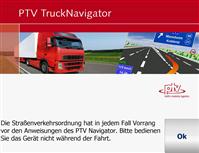
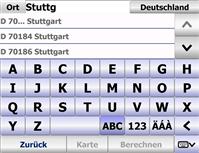
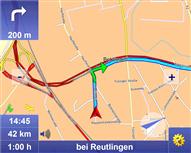
Screenshot-gallery with Step-by-Step introduction (Version 7)
Manuals
German
English
French
Dutch
Developer-API
Remote Control
Remote Interface

Please tell us your opinion. Rate the product on a scale from 1 to 5. A value of 5 means the best possible rating.
If you want you also can leave a comment.
Your ratings are honored on many ways. Your report will help other customers to better judge about the products. And
you can benefit from reports other customers are giving.
In addition we credit 0.50 EUR for each given rating with comment and 1.00 EUR for each given rating with comment (more than 150 characters)
on your account. The credit will be substracted automatically on your next order !
We reserve us the right to delete given comments (for example on attempts to give comments with senseless content, copying of other comments, inserting of foreign content, abusing the system for financing orders).
"Fair-use-policy" does apply (as of rule of thumb you should give comments for products which you have purchased already. And your credit account only in rare cases will have 2 or even 3 digits). The credit can only be withdrawn by placing an order. It is not possible to get the credit cash or transferred in an other way.
Customer ratings:
 Average rating, based on 19 ratings |
from mauguenfabrice am 17.05.2011
|  | See all my comments
Logiciel parfait avec l'option TMC/RDS, simple à utiliser, je le préfère au Garmin Mobile PC que j'utilisais.
Un peu cher mais efficace.
from ct-logistics am 19.09.2010
|
Produkt ist leider nicht ausgereift, Postcodeeingabe England funktioniert nicht, die Fahrzeugprofile lassen sich nicht beeinflussen - führt leider dazu daß man sich mit 4 m LKW festfährt, da die Brückenmaße mit 3,60 m programmiert sind;
Sollte verbessert werden.
MfG J. Fäth
 from helmutth2006 am 18.08.2010
|
from helmutth2006 am 18.08.2010
|
Super Navigationsoftware, keine Probleme beim Instalieren, Tempowarner funktioniert prima und auch der Spurassistent auf Autobahnen. Kartenmaterial kommt mir ungenauer vor wie mein Altes muß das aber erst genau teste. Aber sonst zuverlässig wie die Vorgängerversionen.
 from Evil2000 am 15.05.2010
|
from Evil2000 am 15.05.2010
|
Das Kartenmaterial ist vom 2. Quartal 2009. Einige neu gebaute Autobahnen wie z.B. die A38 sind noch nicht, oder noch nicht durchgehend erfasst.Die PDA Version funktioniert nicht korrekt auf einem HTC Touch HD da die Software mit der Auflösung von 800x480 Pixel nicht zurecht kommt und die Buttons weit noch oben verschiebt.
Die PC-Version ist für die Bedienung per Touchscreen ausgelegt. Wer versucht während der Navigation mit Maus zu bedienen hat wenig Erfolg, denn das Programm blendet den Mauszeiger aus.
Eine Navigation über mehrere Zwischenpunkte ist nicht Einstellbar, einzig (Tages-)Etappen sind nutzbar.
Die PDA und PC Version den Programms sind nicht gemeinsam nutzbar. Dafür wird eine weitere Lizenz benötigt.
1:Software ist im allgemeinen nicht schlecht .Fehlt nur ein Provil für Kleintransporter . Die vorhandene Pkw/Lkw passen von der Zeitangabe nicht aus.
2:Die GPs maus schaltet sich nach unregelmäsigen Abstände aus und kommt auch nicht wieder erst nach Pc-Start ist sie wieder da. Somit kein zuverlässiges Navigatation möglich. Eigentlich schade wenn sie läuft ist sie gut gibt Abzweigungen mit Namen ect. an