




 CarTFT.com
PTV TruckNavigator 10.5 (Germany/Austria/Switzerland (DACH), Speech, TMC) [PDA/PC]
PRODUCT IS CURRENTLY NOT AVAILABLE !![PTV TruckNavigator 10.5 (Germany/Austria/Switzerland (DACH), Speech, TMC) [PDA/PC]](http://www.wcom-gps.com/image_db/Truck_Nav_6_DACH_DE.jpg)
- TMC support !
- 2D/3D view !
- Speech !
- Map&Guide Truck Navigator !
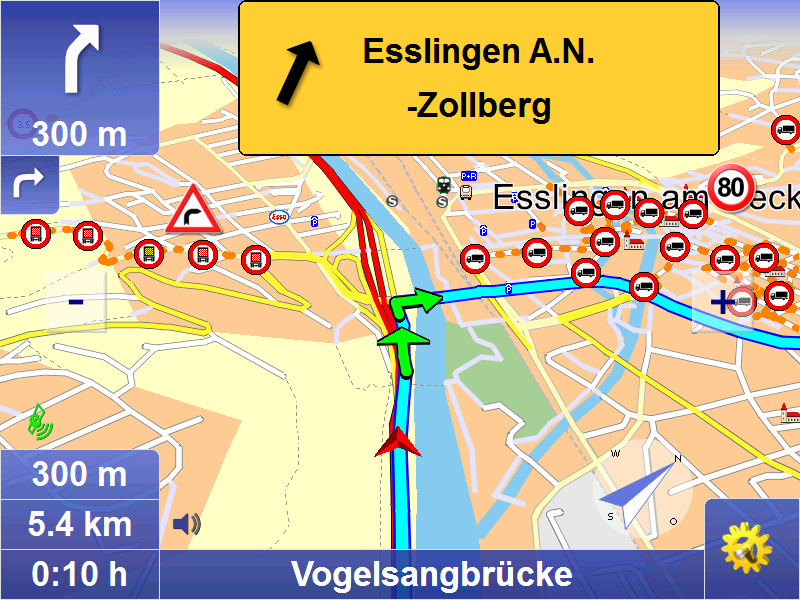
Take the best routes for trucks and get to your customers safely and on time: Professional navigation is now available especially for trucks. It can do everything that navigation solutions are expected to do – and it even takes trucks' extra requirements into account: Bridge heights and capacities, vehicle clearance heights and truck restrictions. A route created especially for trucks saves time and money right from the start, because it is specifically calculated for trucks and local detours can be avoided.
New in Version 10.5 (26.10.2018):
- Map data 2018.2N
New in Version 10.0 (21.11.2017):
- Bugfixes
- Map data 2017.2N
Ne
[more]

Take the best routes for trucks and get to your customers safely and on time: Professional navigation is now available especially for trucks. It can do everything that navigation solutions are expected to do – and it even takes trucks' extra requirements into account: Bridge heights and capacities, vehicle clearance heights and truck restrictions. A route created especially for trucks saves time and money right from the start, because it is specifically calculated for trucks and local detours can be avoided.
New in Version 10.5 (26.10.2018):
- Map data 2018.2N
New in Version 10.0 (21.11.2017):
- Bugfixes
- Map data 2017.2N
New in Version 9.0 (16.11.2015):
- Truck tolls for country roads in Germany
- Bugfixes
- Map data 2015.2N
New in Version 8.5 (16.10.2014):
- Truck Parking POIs
- Improved, smarter truck delivery routing
- GLONASS-GPS-support
- Economic avoidance of toll for Germany and Austria
- Map data 2014.2N
New in Version 8.0 (25.11.2013):
- display of ecotaxe and toll on the road.
- avoidance of ecotaxe.
- ecotaxe infopoints and toll stations
- route planning with approximate stop-off points improved (fuzzy via)
- Map data 2013.2N
New in Version 7.5 (30.10.2012):
- truck-resident restrictions can be optionally included in navigation.
- PTV Navigator truck is able to recognise when the destination and start addresses are located in areas of blocked access, e. g. pedestrian zones or factory grounds.
- in this situation, routing to the destination has been further optimised.
- cost-saving potential with the ”avoid toll“ setting
- due to the intelligent self- learning mode (ETA), time is calcula-ted on the basis of individual driving behaviour, resulting in a more accu-rate calculation of the time of arrival.
- route planning with approxi-mate stop-off points (fuzzy via)
- announcement of navigation instructions in off-road mode
- announcement of texts with Text2Speech
- display of other vehicles (bud-dies) with geofencing alerts
- only a few tags are sufficient to influence the routes.
- Map data 2012.2N
New in Version 7.0 (21.11.2011):
- Improved graphical design
- Option to "Avoid toll roads" [only PC/PDA]
- Self-learning vehicle profile [only PC/PDA]
- Faster address-search
- Map data 2011.2N
Quickly and efficiently at your destination
Considers closed roads, restrictions and hazardous goods.
The map&guide truck navigator route planning has been optimised for trucks. It takes particular attributes into account, which are stored in the map material:
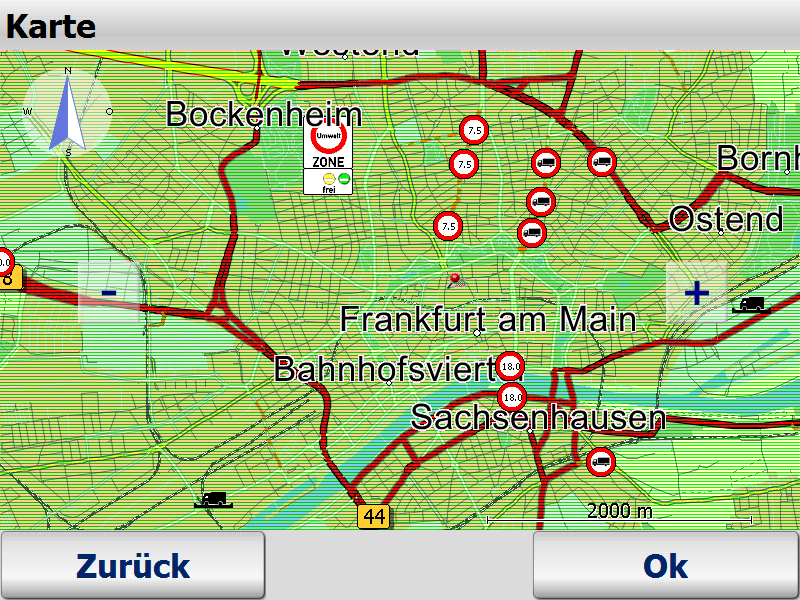
• Roads closed to trucks
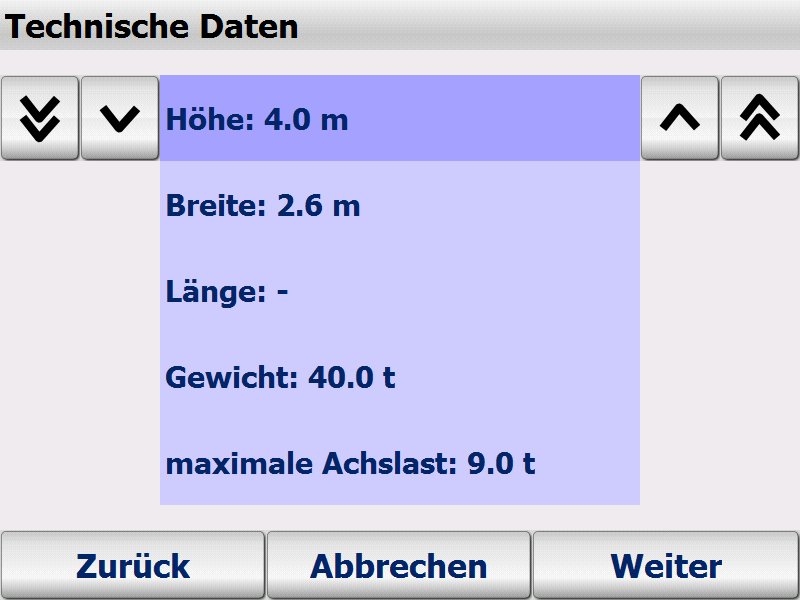
• Restrictions such as weight, axle load, vehicle length, vehicle clearance heights and widths
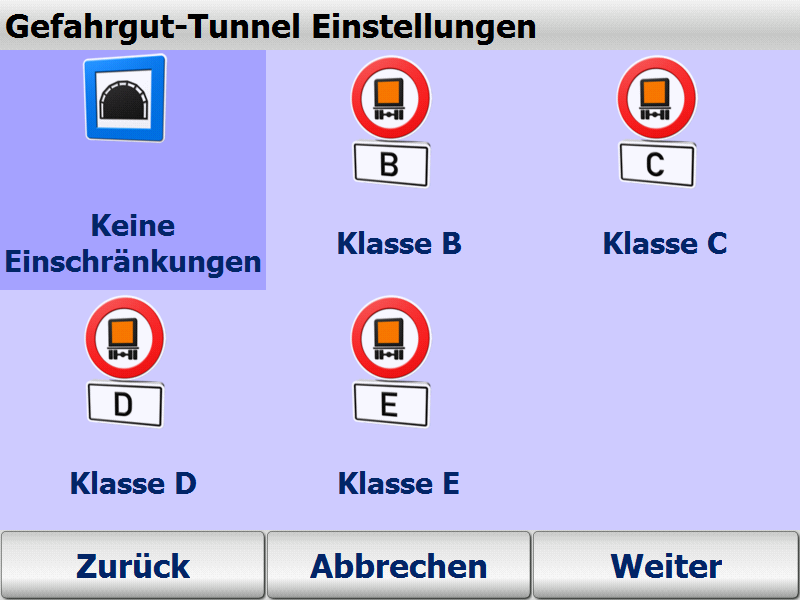
• Restrictions for hazardous goods, water-pollutants and explosive substances as well as roads closed to trailers
• The trucks vehicle profile (height, width, weight, axle load, hazardous goods etc.) can be set to the end device at any time. In this way the navigation always takes the relevant road closures or other information (e.g. empty or loaded runs) into account. There is no limit to the number of profiles that can be stored and selected with a click.
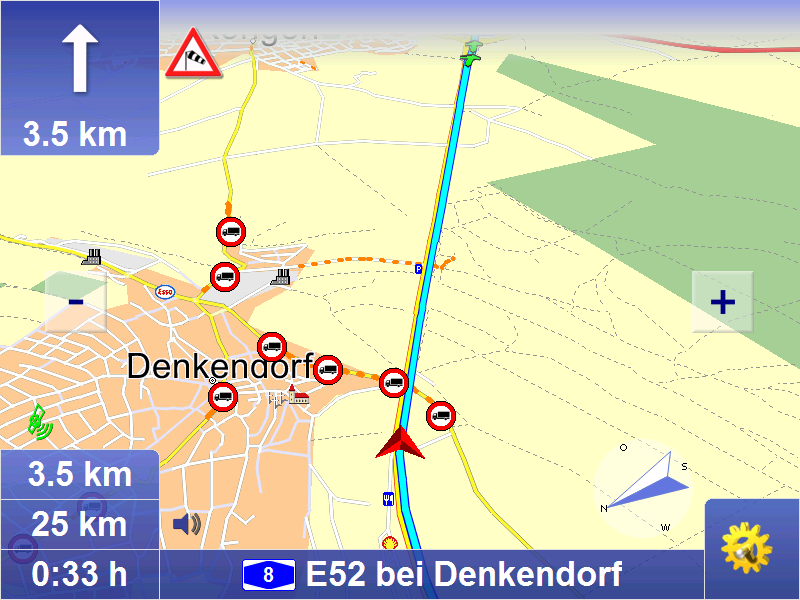
• The navigation system can alert truck drivers to relevant dangers such as sharp turns, overhanging trees, steep inclines, uneven roads and side winds.
Truck-specific routing
Normal navigation systems are designed for cars, but truck drivers have different needs:
• Narrow side roads are automatically avoided to ensure realistic truck navigation.
• The map&guide truck navigator route planning automatically avoids residential areas. The truck enters the residential area at the very last moment before reaching its destination.
• The driver decides the extent to which narrow side roads and driving through cities is avoided. Different routing profiles can be selected for this purpose.
• Turning manoeuvres on unsuitable roads are avoided.
• The navigation is able to recognise when destination and start addresses lie in areas of blocked access, e.g. pedestrian zones or factory grounds. In these cases you are also safely guided to your destination.
Basic functions
Mobile navigation is a popular alternative to an expensive installation. map&guide fleet navigator provides:
• Door-to-door cross-border navigation
• Intuitive, easy operation
• Precise visual cues and spoken instructions
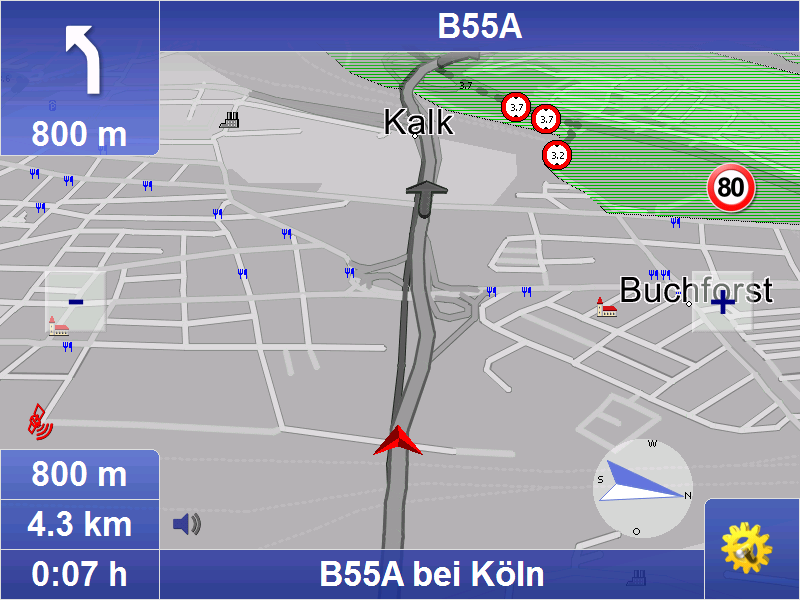
• 2D and 3D navigation using map&guide clear, intuitive maps
• Proven, professional map&guide routing and navigation
• Extrapolated positioning in tunnels
• Dynamic navigation: The latest TMC information is received on a TMC receiver free of charge and used to update the route while on the road.
• map&guide fleet navigator supports the following languages: German, English, French, Dutch, Italian, Spanish, Portuguese, Danish, Norwegian, Swedish, Polish, Czech, Slovak, Slovenian, Hungarian, Romanian, Turkish, Russian, Bulgarian
• Auto-Smartzoom for optimum map information when approaching a manoeuvre
• Automatically switches between day and night view
• Speed warning limits also for trucks in many countries
• Text2Speech
• Coordinates input
• Global search for POIs
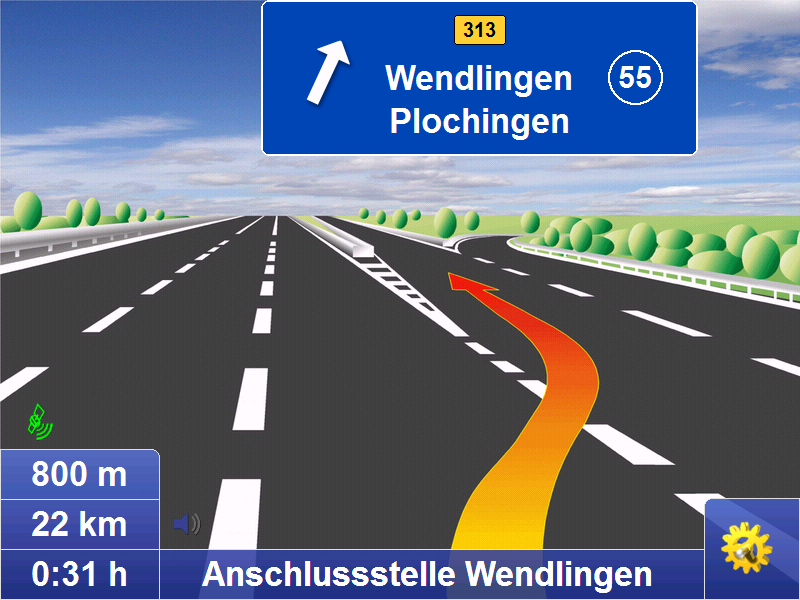
• Realistic motorway signs and junction views
Connected navigation
With map&guide fleet navigator it is possible to control the
navigation of your service employees' cars from your control center: Order files (RC-Interface) and interfaces in C and C# (RI-Interface) enable communication between map&guide fleet navigator and a secondary software which establishes communication with the control center. These functions are used to:
• send stop-off points as address from the control centre to the navigation
• request GPS positions from the navigation and make them available to third-party applications
• start and end mobile navigation
• transfer and display messages to the navigation
• Guided navigation: Transfer of entire route navigation
• Show other vehicles (buddies) via interface
One fleet - various vehicle profiles
Create different vehicle profiles for the various vehicles in
your fleet – this ensures that navigation is tailored to the vehicle. When creating vehicle profiles for cars and trucks with map&guide fleet navigator the following criteria can be taken into account:
• Speed profile
• Avoiding motorways or ferries
• For cars: Optimisation of route in terms of economy or time
• For trucks: Avoiding smaller streets (bypasses), turning, residential areas
Supported operating systems
• Microsoft Windows Mobile 2003 for Pocket PC (incl Second Edition)
• Microsoft Windows Mobile 5,6 (inkl. Phone-Edition)
• Microsoft Windows 2000, Windows XP, Windows Vista, Windows 7, Windows 8
Included maps :
- Central Europe City (D,A,CH)
- Major road network in Europe
Scope of Supply :
- PTV TruckNavigator DVD (includes PDA/PC program and all maps)
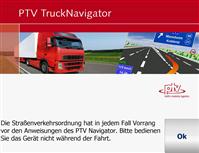
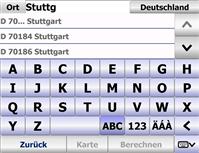
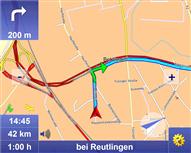
Screenshot-gallery with Step-by-Step introduction (Version 7)
Manuals
German
English
French
Dutch
Developer-API
Remote Control
Remote Interface

Please tell us your opinion. Rate the product on a scale from 1 to 5. A value of 5 means the best possible rating.
If you want you also can leave a comment.
Your ratings are honored on many ways. Your report will help other customers to better judge about the products. And
you can benefit from reports other customers are giving.
In addition we credit 0.50 EUR for each given rating with comment and 1.00 EUR for each given rating with comment (more than 150 characters)
on your account. The credit will be substracted automatically on your next order !
We reserve us the right to delete given comments (for example on attempts to give comments with senseless content, copying of other comments, inserting of foreign content, abusing the system for financing orders).
"Fair-use-policy" does apply (as of rule of thumb you should give comments for products which you have purchased already. And your credit account only in rare cases will have 2 or even 3 digits). The credit can only be withdrawn by placing an order. It is not possible to get the credit cash or transferred in an other way.
Customer ratings:
 Average rating, based on 3 ratings |
 from klitten am 27.12.2011
| See all my comments
from klitten am 27.12.2011
| See all my comments
Enttäuschend!! Nach meinem Lob beim damaligen Kauf des TruckNavigator 6.0 kommt jetzt die Ernüchterung.
Schon bei 6.0 lief vieles nicht optimal
- häufige Neustarts (min. 4x wöchendlich)
- Gespeicherte Touren bei Neustart gelöscht
- TMC wird häufig nicht erkannt (Antenne liegt unverdeckt an Windschutzscheibe) USB ziehen und wieder einstecken
- Bedienung über Bildschirm träge
- etc.
Nun die Hoffnung auf 7.0
Doch Fehlanzeige:
+ o.k. die Straßen wurden aktualisiert
+ die Bedienung geht etwas flüssiger
+ das Design wurde verbessert
aber
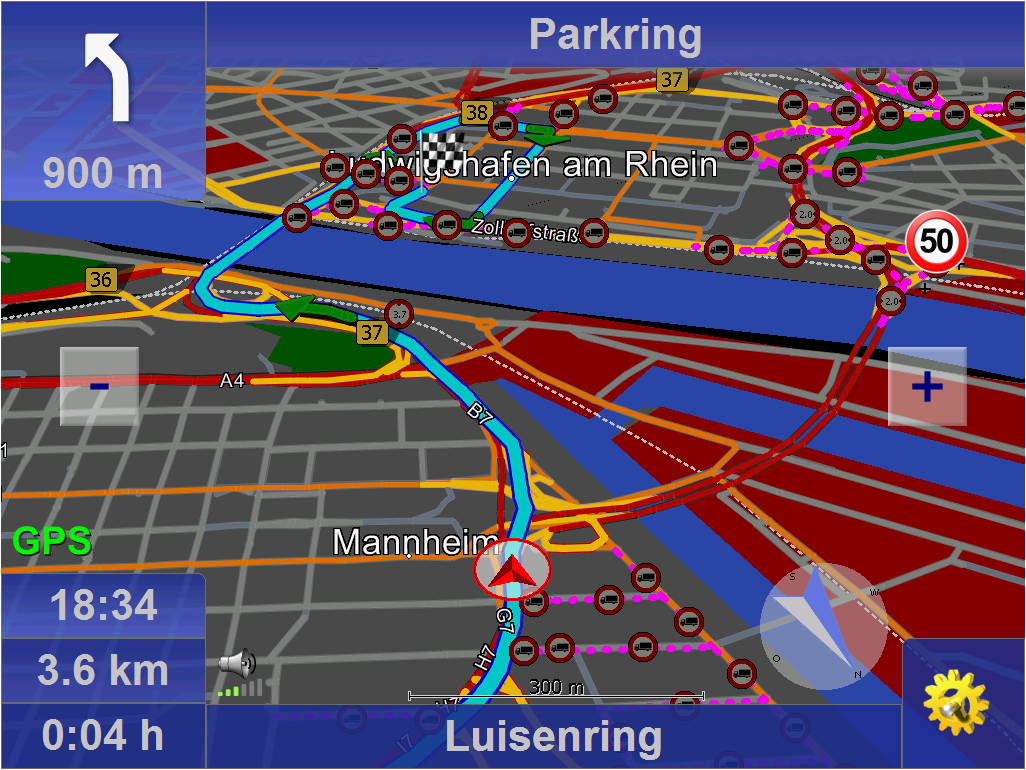
- in der 3D Ansicht sind jetzt die Truckattribute (Durchfahrtshöhen, Gewichtsbeschränkungen, etc.) NICHT mehr sichtbar !? es muss umgeschaltet werden in 2D kleinste Ansicht. So ist eine Orientierung bei plötzlich auftretenden Einschränkungen natürlich denkbar schwer.
- die Stimme bei TTS hakt. O.K. liegt vermutlich an der Leisteung des PND
- ......
Alles in Allem zu teuer für ein Update. Schade
 from Pixmaker am 03.02.2009
|
from Pixmaker am 03.02.2009
|  | See all my comments
hab ich vor ein paar wochen für mein Netbook im LKW gekauft. wirklich eine klasse Software, sehr gute Navigation. Die Strecken werden detailliert Ausgewertet. kann ich nur weiter empfehlen...
Hatte das 5.0 habe jetzt auf das 7.0 umgestellt, läuft noch nicht alles ganz gut aktuell werden keine Strassenbezeichnungen angezeigt hoffe es wir ein update folgen um diesen Fehler zuberinigen!!